A construction programme is the plan of every activity needed to build a project, in order, each with a duration, a start and finish date and its links to the activities around it. It shows what happens when, which trade does it, and which activities decide the finish date.
Programme is the word in Australia, New Zealand and the UK. In the United States and Canada the same thing is a construction schedule, and the work of making and updating it is construction scheduling.
What is in a construction programme?
| Part | What it means | Example |
|---|---|---|
| Activities | The work, broken down by area and then by trade | Level 3, wall linings |
| Durations | Working days for each activity | 6 days |
| Links | What must finish before this can start | Linings start after the pre-lining inspection |
| Milestones | Dates with no duration that matter to the contract | Building watertight, practical completion |
| Critical path | The longest chain of linked activities. It sets the finish date | Structure, facade, fitout, commissioning |
| Float | How long an activity can slip before it delays the finish | Joinery has 5 days |
| Calendar | Working days, holidays, shutdowns and a weather allowance | 5-day week, closed over Christmas |
| Baseline | The agreed version that progress is measured against | Revision B, accepted by the client |
Construction scheduling: how to build the programme
- List the work. By area first, then by trade, at the size a foreman would plan a week.
- Put it in build order and link it. Each activity starts after something. Find the something.
- Ask the trades for durations. They know how long a floor takes.
- Add what is not building. Approvals, shop drawings, lead times, inspections, curing and commissioning. Lead times come from the procurement schedule.
- Find the critical path. If it runs through something odd, a link is wrong.
- Agree the baseline, then update every week. A programme that is not updated is a poster.
Types of construction work programme
| Type | Covers | Updated |
|---|---|---|
| Master programme | The whole job in summary, for the client | Monthly |
| Contract (baseline) programme | The whole job in detail. Delay claims are measured against it | Only by agreement |
| Working programme | The current plan the site is building to | Weekly |
| Lookahead schedule | The next two to six weeks, by area and trade | Weekly |
| Subcontractor programme | One trade's work, floor by floor | Weekly |
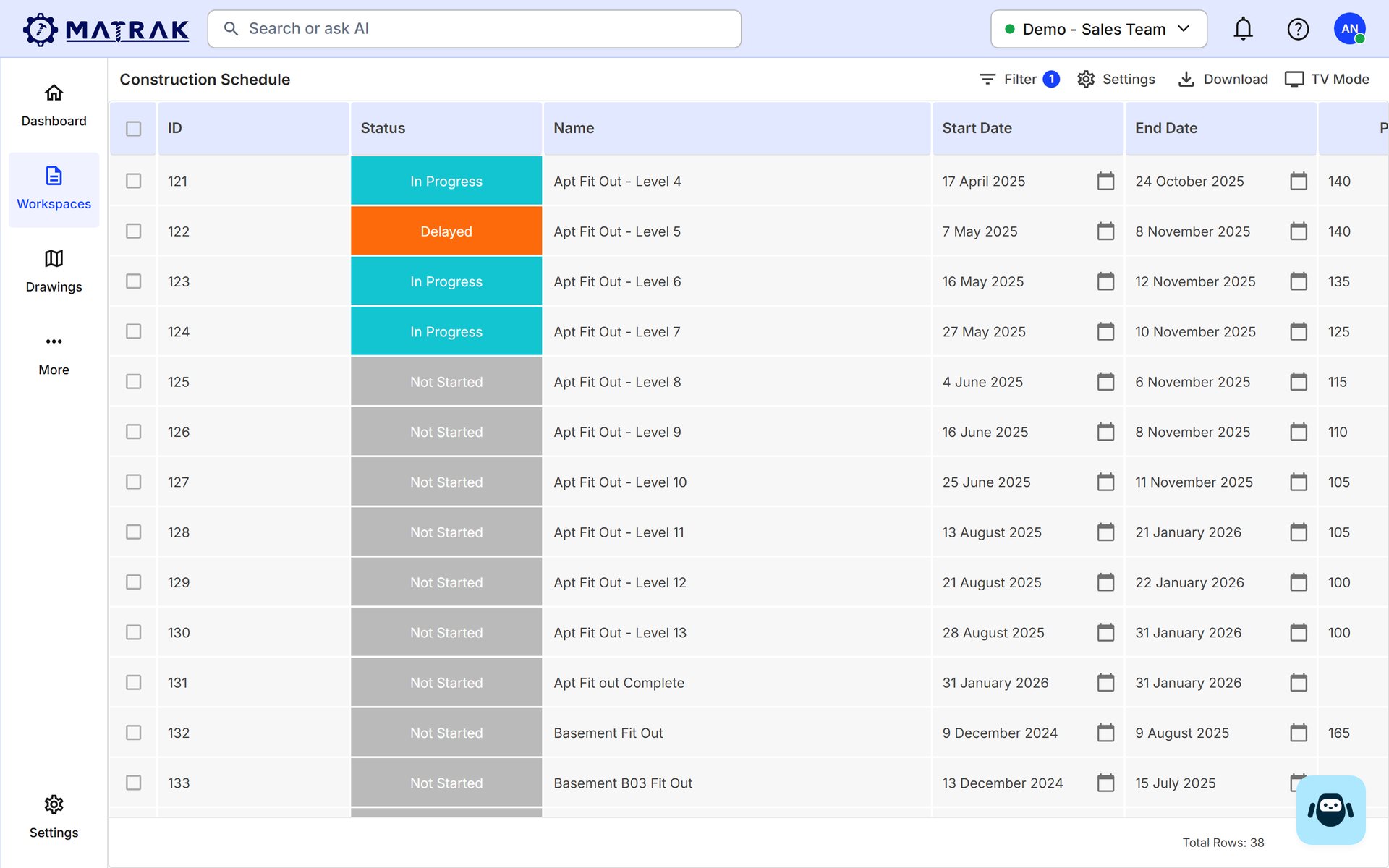
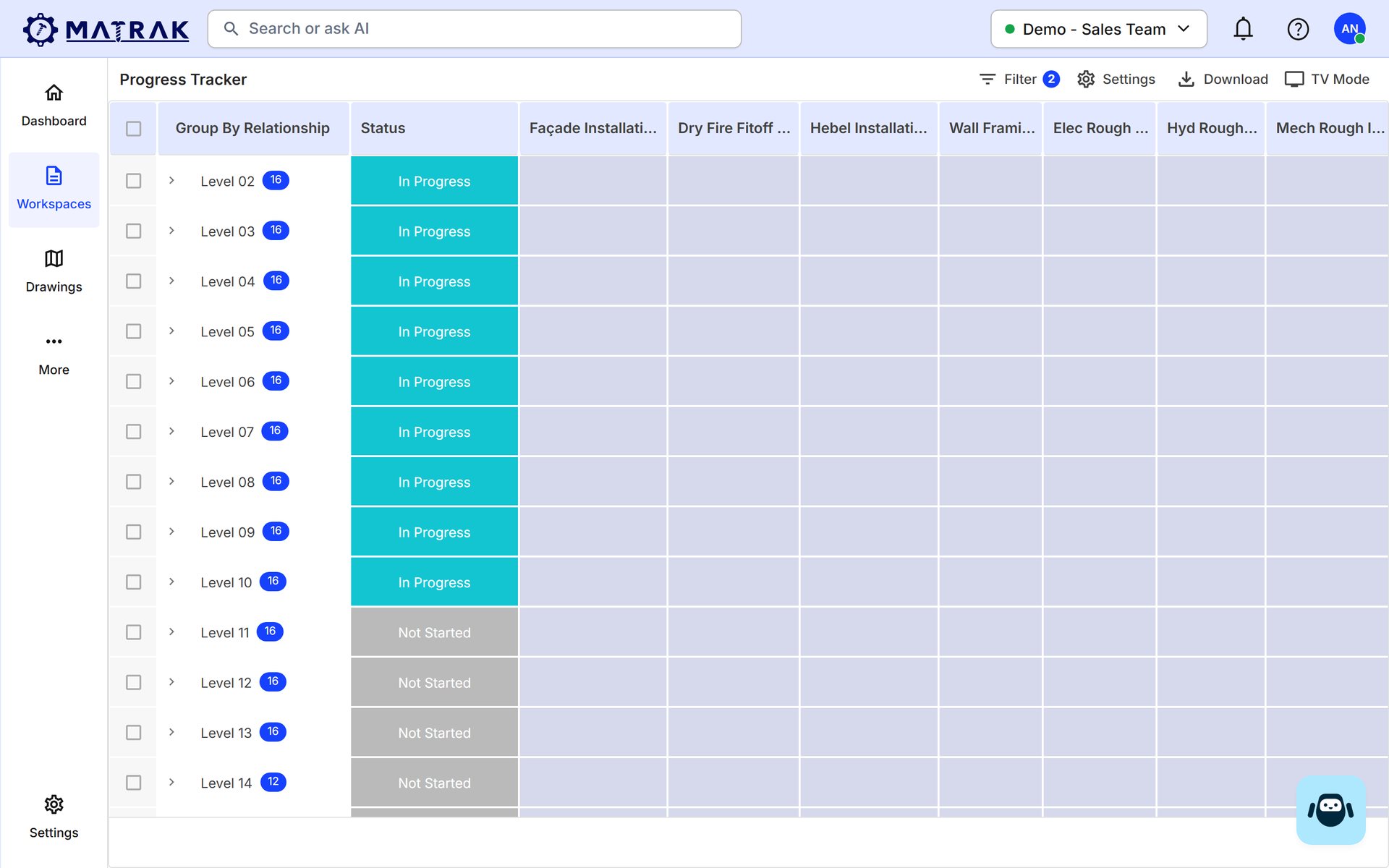
Stop asking 'where are we at?' Matrak Progress shows every level and trade against the programme, updated from site.
Construction programme example: one apartment level
The fitout of one level, ten activities, in working days.
| ID | Activity | Days | Starts after | Trade |
|---|---|---|---|---|
| 1 | Set-out and wall framing | 5 | Slab handover | Carpenter |
| 2 | Services rough-in | 6 | 1 | Electrician, plumber, mechanical |
| 3 | Fire stopping and pre-lining inspection | 2 | 2 | Fire stopping |
| 4 | Wall and ceiling linings | 6 | 3 | Plasterer |
| 5 | Waterproofing and flood test | 4 | 4 | Waterproofer |
| 6 | Tiling | 6 | 5 | Tiler |
| 7 | Joinery and stone | 5 | 4 | Joiner |
| 8 | Painting | 5 | 6 and 7 | Painter |
| 9 | Fit-off and floor finishes | 5 | 8 | Electrician, plumber, floor layer |
| 10 | Defects walk and clean | 3 | 9 | Site team |
The longest chain is 1, 2, 3, 4, 5, 6, 8, 9, 10: 42 working days. That is the critical path. Joinery sits outside it with five days of float, so it can slip a week before it holds up the painter. The date at the end of the chain is the one the contract cares about: practical completion.
Construction project scheduling methods
- Gantt chart. Bars on a calendar. Easy to read, so it is what goes on the site office wall.
- Critical path method. Linked activities, worked out by software. The basis of most contract programmes.
- Line of balance. Trades drawn as lines moving up the building. Good for repeated floors.
- Pull planning. The trades plan backwards from a milestone together. See our pull planning guide.
Most programmes are built in Primavera P6, Microsoft Project or Asta Powerproject. A small job can run on a spreadsheet.
Free construction programme template
Take our construction programme template for Excel. Type a start date and a duration and the finish date works itself out in working days. The example above is on a second sheet with every start linked to the activity before it, and a three-week lookahead is on the third. No sign-up.
| ID | Activity | Trade | Duration | Start | Finish | Starts after |
|---|---|---|---|---|---|---|
| 1 | Worked out for you | |||||
| 2 | Worked out for you | |||||
| 3 | Worked out for you |
Common mistakes with construction programmes
- Activities with no links. A bar that starts on a typed date will not move when the one before it slips.
- No procurement. The facade cannot start on the day the panels are ordered.
- Durations nobody asked the trades about. They will be wrong, and the trades will know it.
- Updated from the office. Percent complete guessed on a Friday hides the delay until it is too late.
- One programme for everyone. The client needs one page. The foreman needs the next three weeks.
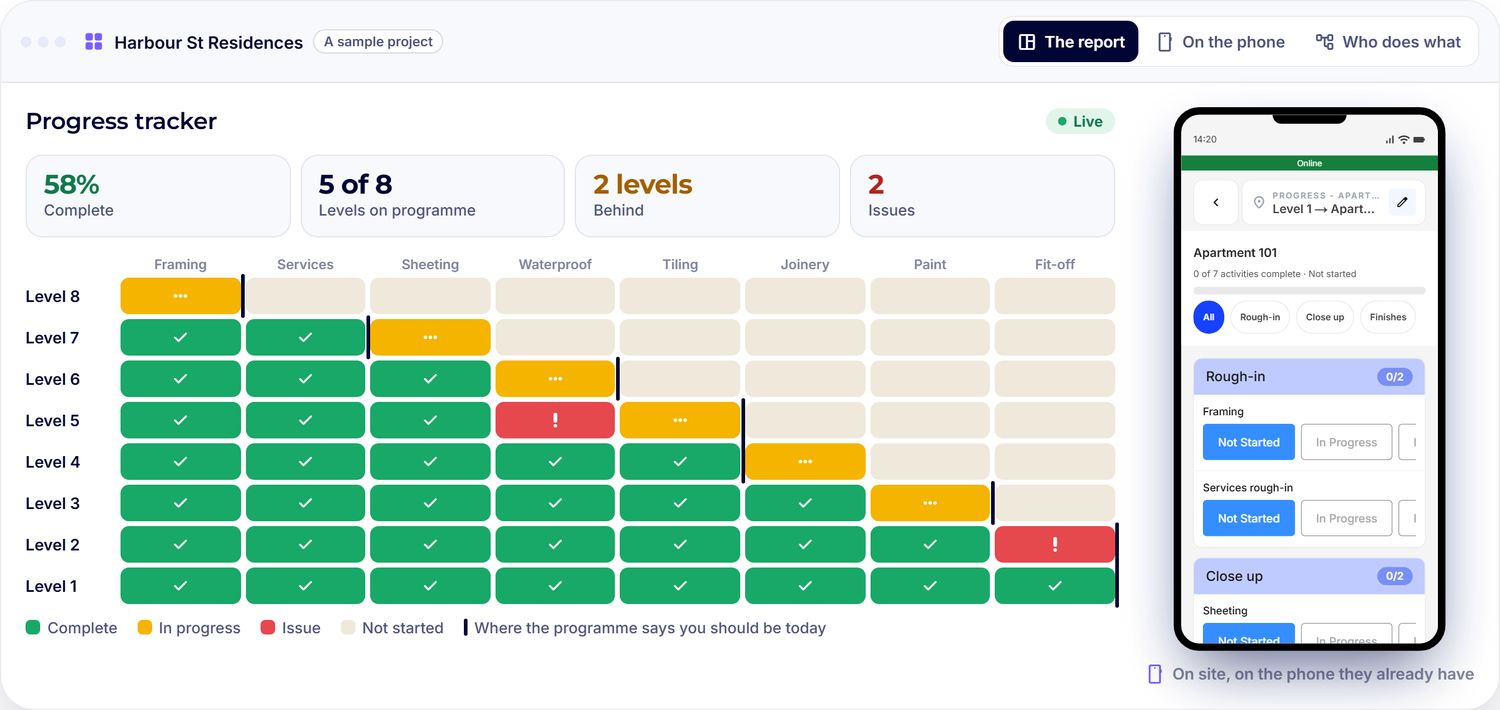
The construction programme, tracked live from site
| Matrak Progress | Programme on the wall | |
|---|---|---|
| Activities, dates and trades for every level | Yes | Yes |
| Updated by trades marking work done on their phone | Yes | No |
| Every level and trade against the programme on one board | Yes | No |
| Shows which trade is holding up the next | Yes | No |
| Levels, areas and trades read from your drawings and programme | Yes | No |
| Today's progress, without a Friday walk | Yes | No |
How Matrak does it. Matrak Progress reads the levels, areas and trades from your drawings and your programme. Trades mark work done on their phone, and the board shows progress against the programme for every level and trade, and which trade is holding up the next. $12,000 for one project for a year (A$, plus GST).
Why the delay shows early. Drawings are fetched from Procore, Aconex and Autodesk, new revisions are picked up as they arrive, and a full audit history records each update, with who made it and when.
Comparing progress tools? See how Matrak compares, including Matrak vs OpenSpace. Reporting against the programme: the construction progress report template.
Frequently asked questions
What is a construction programme?
A construction programme is the time plan for a building project: every activity in order, with its duration, start and finish dates and links to other activities. It shows the critical path and the planned completion date.
What is the difference between a construction programme and a construction schedule?
They are the same thing. Programme is used in Australia, New Zealand and the UK. Schedule is used in the United States and Canada. In Australia a schedule can also mean a list, such as a door schedule.
What is the critical path?
The critical path is the longest chain of linked activities from start to finish. It sets the earliest finish date, and a day lost on any activity on it is a day lost on the project.
What is a lookahead schedule?
A lookahead schedule is a short-term plan cut from the programme, usually the next three weeks, showing what each trade will do in each area and what has to be cleared first. It is updated every week.
Who prepares the construction programme?
The head contractor's planner or project manager prepares it, with durations and sequence from the subcontractors. On larger jobs the client's team reviews it and accepts a baseline.
How often should the programme be updated?
Update progress every week and reissue the programme at least every month, or whenever the sequence changes. The baseline only changes by agreement.