Document control in construction is the system that makes sure everyone builds from the current, approved version of every document. Construction document control covers how drawings, specifications and correspondence are numbered, registered, revised, issued and withdrawn, and it keeps the record of who received what, and when.
The practice is the same in Australia, the UK, Canada, New Zealand and the US. Projects run to ISO 19650 call the one shared place for documents a common data environment.
What construction document control covers
- Drawings and models, from every consultant.
- Specifications and schedules.
- RFIs and their answers.
- Shop drawings and other submittals.
- Site instructions and variations.
- Transmittals: the record of every issue.
- Inspection records and the handover set, including as built drawings.
The five jobs of document control
| Job | What it means | Without it |
|---|---|---|
| Number | Every document has one number, title and discipline | Two drawings both called 'ground floor plan' |
| Register | One list of every document, its current revision and status | Nobody knows which revision is current |
| Control revisions | Each change gets a new revision and the old one is superseded | Work built off a superseded drawing |
| Issue by transmittal | A record of what was sent, to whom, when and why | 'We never received it' |
| Keep the trail | Every version and every issue is kept, never overwritten | No evidence when a claim or a defect is argued |
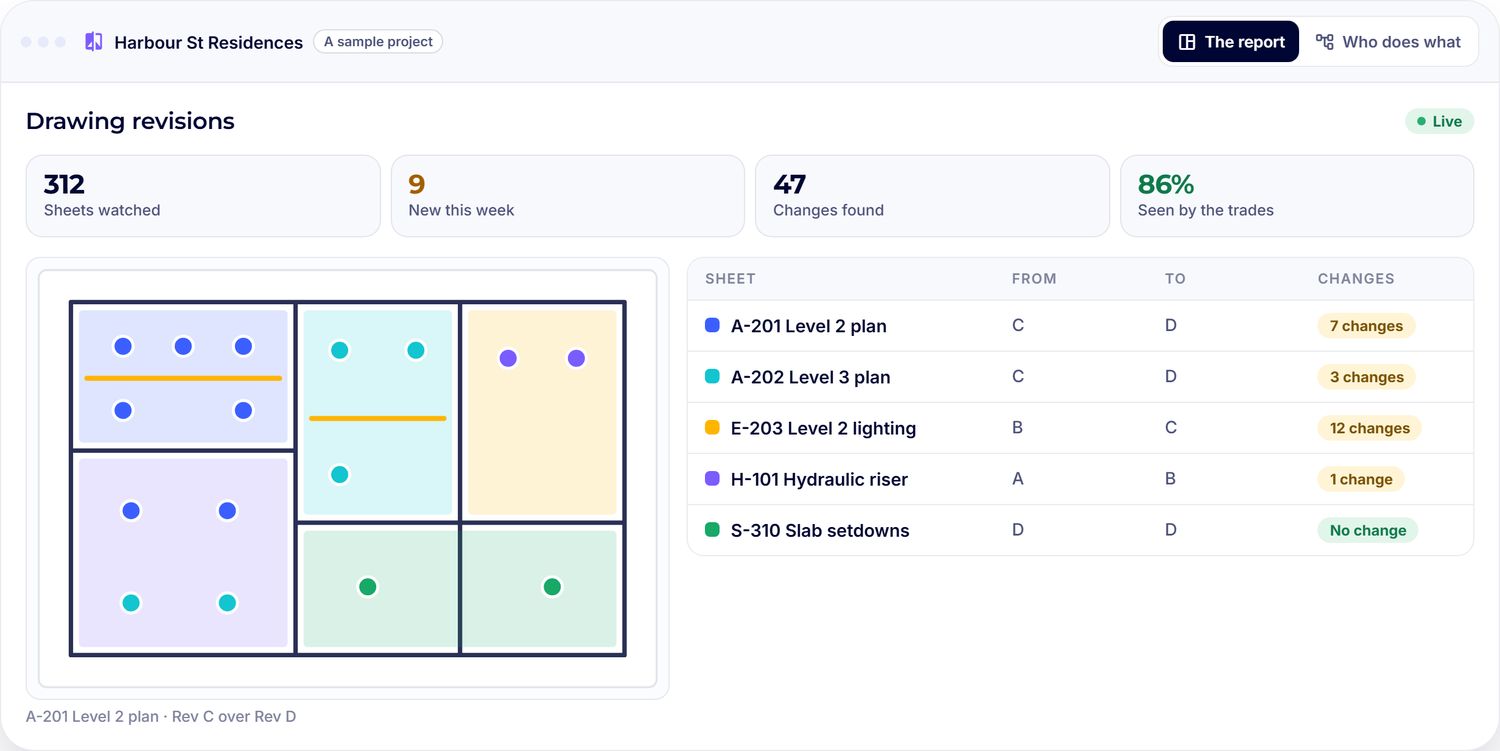
The drawing register and the transmittal
The drawing register is the list: one line per drawing, with its current revision, date and status. The transmittal is the receipt: a cover note for each issue, listing the documents sent, their revisions, who they went to and the reason. Together they answer the two questions every dispute asks: what was current on that day, and who had it. Most document systems write the transmittal for you when you issue from the register. On a spreadsheet job, number them in order and file a copy of each.
Which status can you build from?
| Status | Build from it |
|---|---|
| For information | No |
| For approval or review | No |
| For tender | No |
| For construction | Yes |
| Superseded | No |
Work built off anything but a for-construction drawing usually ends in a non-conformance report.
No more rework from a change nobody spotted. Your document system keeps the register. Matrak Revisions reads the drawings in it and compares every new revision.
How to set up document control
- Agree the numbering and revision convention before the first issue. Use ISO 19650 naming where the client asks for it.
- Name one person who owns the register.
- Choose the one place current documents live. On most large projects that is Aconex, Procore or Autodesk Construction Cloud.
- Issue everything by transmittal. Nothing by private email.
- Put every subcontractor on the distribution for the drawings that touch their work.
- Tell the site the day a revision lands, and take the old print away.
- Audit monthly: pick ten drawings in use on site and check them against the register.
Common mistakes
- Drawings emailed outside the system. Now there are two versions of the truth.
- "Final_v2_REAL.pdf". The revision belongs on the register, not in the file name.
- A register updated weekly while drawings arrive daily.
- Printed sets nobody replaces. The oldest drawing on the job is usually in the site shed.
- Subcontractors left off the distribution. They are the ones building it.
- Nobody checks what changed. A new revision is registered, issued and never compared with the last.
- Comments on one person's laptop. Mark-ups belong in the system, against the revision they were made on.
- Superseded drawings deleted. Keep them, marked superseded. A dispute two years on will ask what was current then.
Keep your document system. Add Matrak.
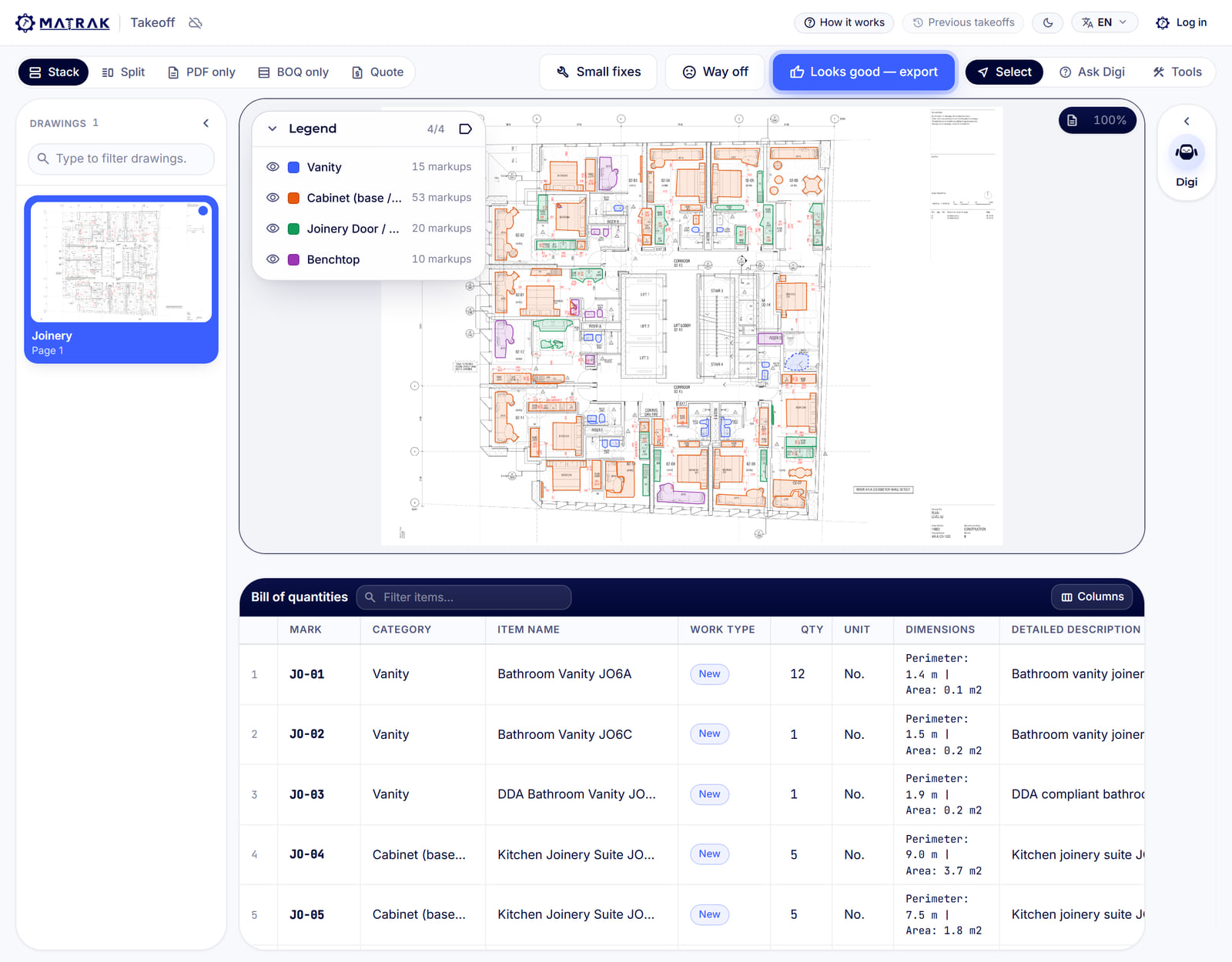
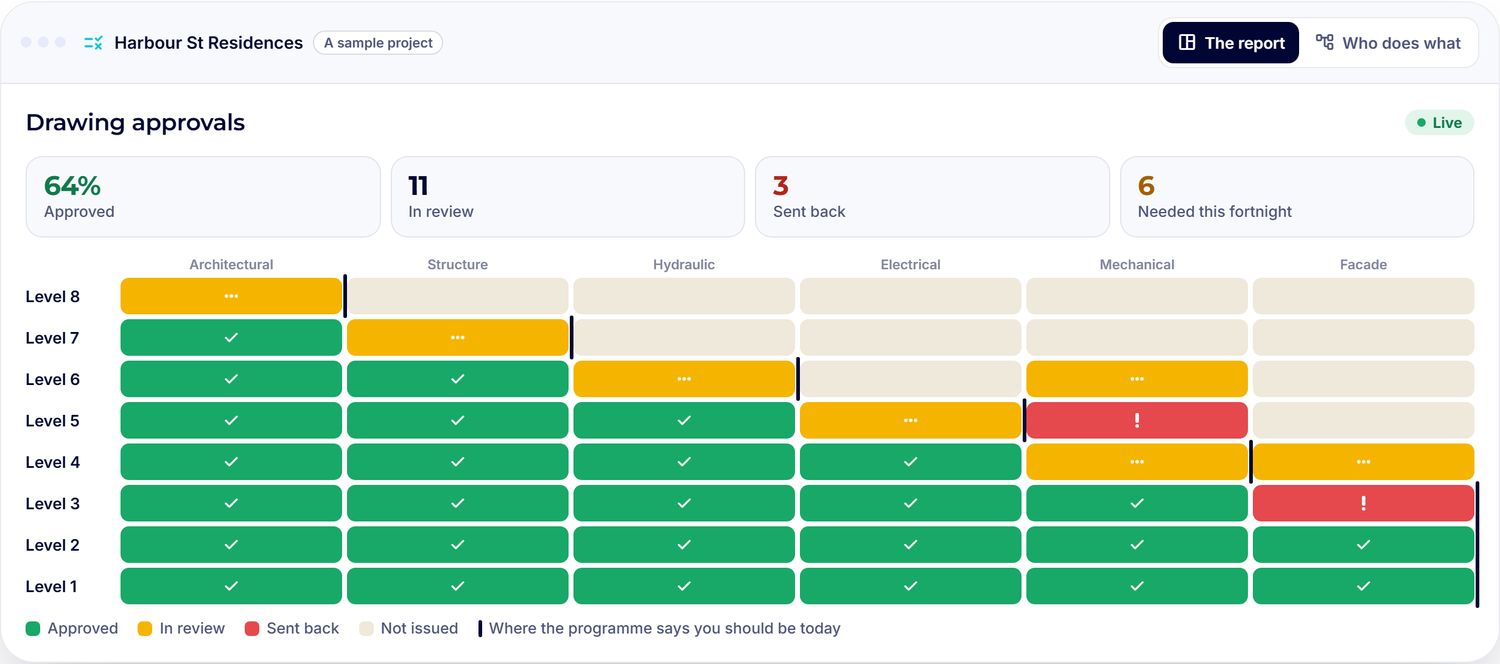
How Matrak does it. Your documents, RFIs and transmittals stay in Aconex, Procore or Autodesk Construction Cloud. Matrak reads the drawings there. Revisions overlays each new revision on the last and marks what changed. Design management tracks every drawing's approval against the date the programme needs it. Revisions $400 and Design management $350 a month (A$, plus GST).
Why site stays on the current drawing. Connecting Procore, Aconex and Autodesk is free, with nothing to download. On Aconex, the Aconex MCP lets you ask Digi which revision a drawing is at, and a scheduled task checks for new revisions every weekday. A full audit history keeps each comparison.
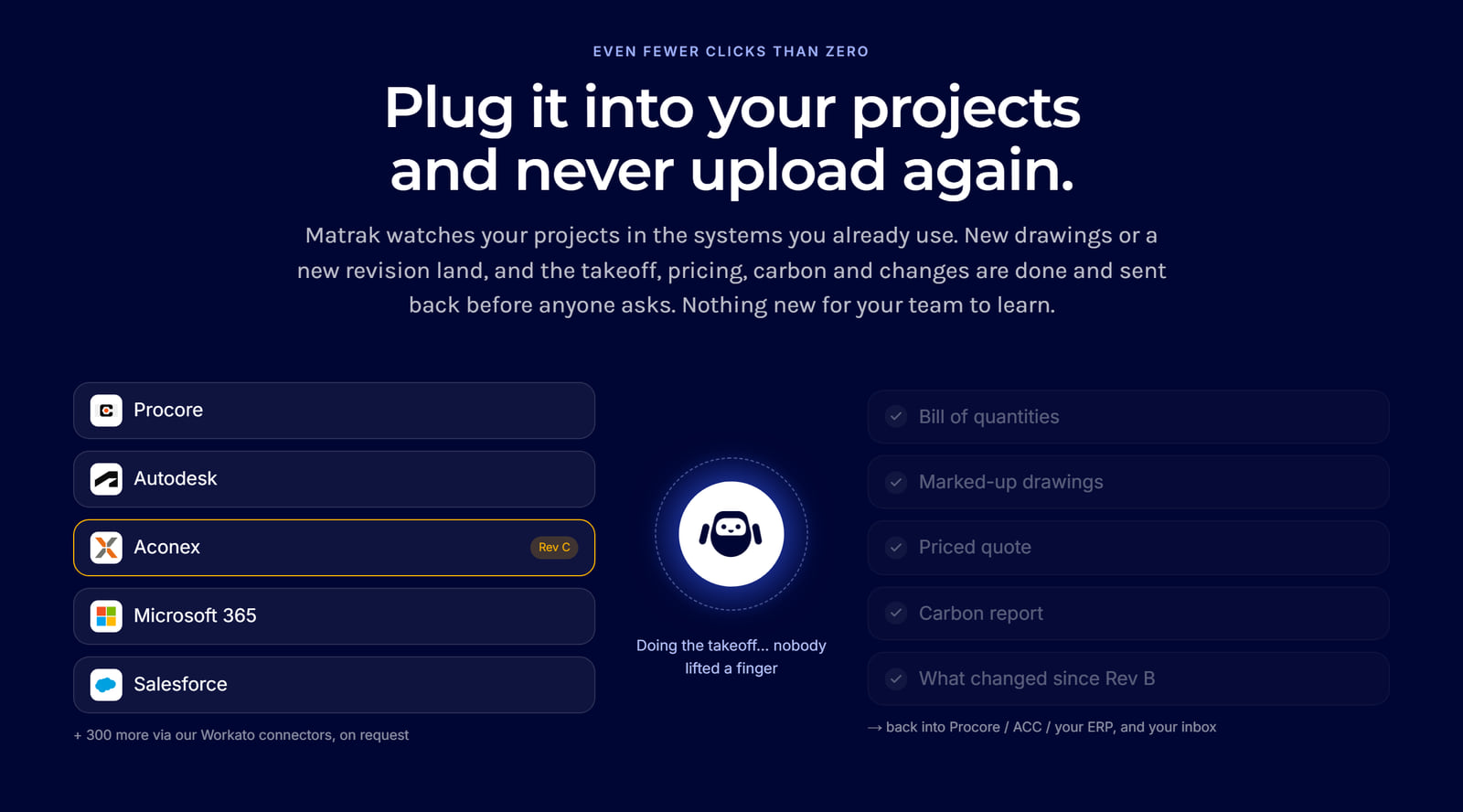
See how Matrak compares with the systems you already know.
Frequently asked questions
What is document control in construction?
It is the set of procedures that manage project documents from creation to archive: numbering, registering, revising, issuing and withdrawing them, so that everyone works from the current approved version and there is a record of who had what.
What does a document controller do?
A document controller runs the system: registers incoming documents, checks numbering and revisions, issues them by transmittal to the right people, withdraws superseded versions and keeps the trail. On small jobs the site engineer or contract administrator does it.
What is a transmittal in construction?
A transmittal is the record of an issue of documents. It lists what was sent, the revision of each, who it was sent to, the date and the reason for issue. It is the proof that a party received a drawing.
What is a common data environment?
A common data environment (CDE) is the single agreed place where project information is stored, revised and shared, so there is one current version of everything. The term comes from the ISO 19650 standards for information management.
What software is used for construction document control?
Large projects typically run on a document management platform such as Aconex, Procore or Autodesk Construction Cloud. Matrak connects to all three and adds what the site needs on top: each new revision compared with the last, and drawing approvals tracked against the programme.
How do you stop people building from old drawings?
Keep one register, issue only by transmittal, tell the affected trades the day a revision lands, say what changed, and remove the old prints. Then spot-check the drawings on site against the register.